Use Agent chat to review your process workspace
Use Agent chat to inspect process maps across your selected organization and identify next actions.
Written By Jack Finnegan
Last updated 4 months ago
Use Agent chat when you want BA Copilot to review process work across your selected organization, not just respond to one isolated process-map prompt.
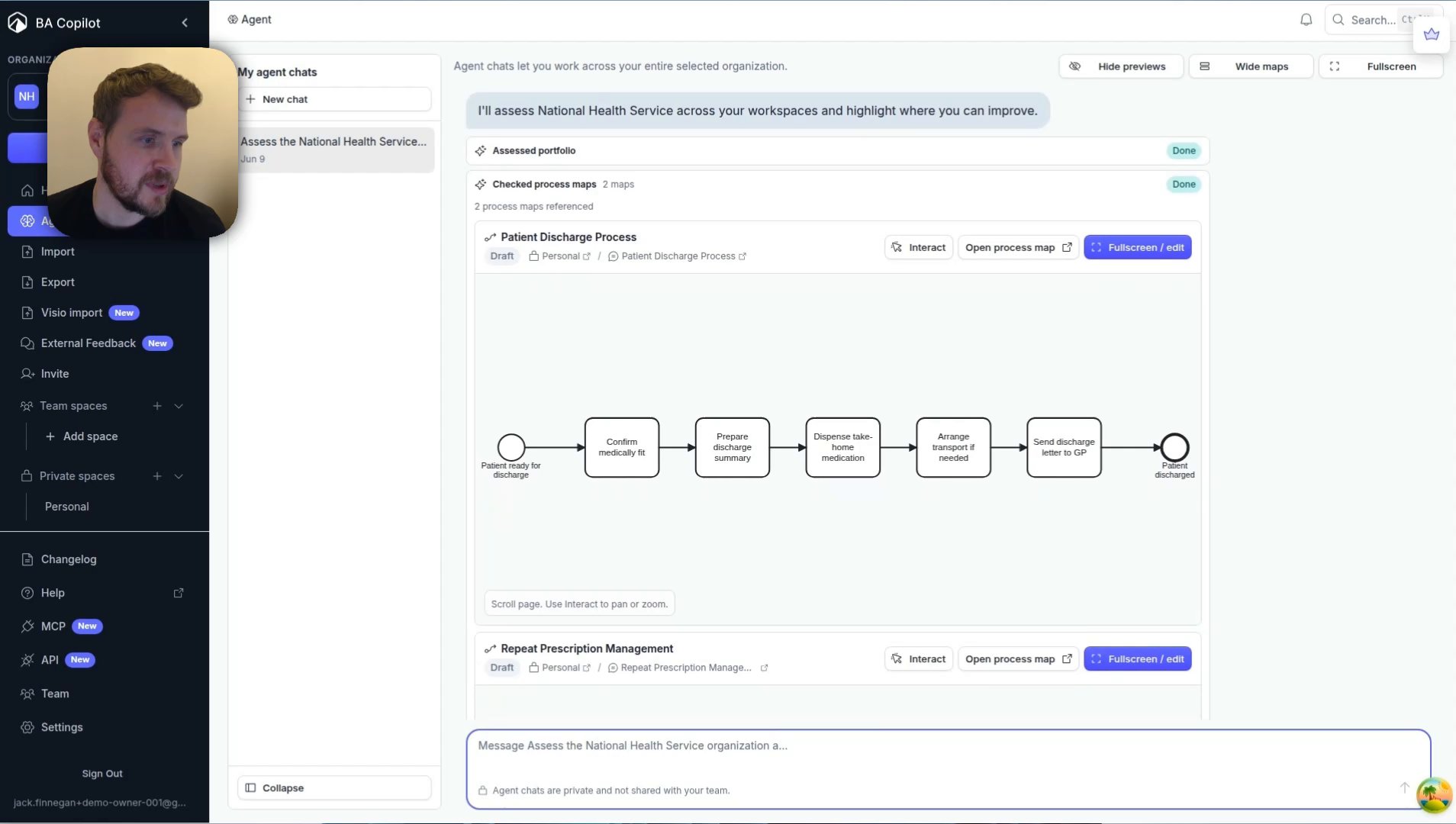
Agent chat can inspect relevant process maps, point out improvement opportunities, and help you decide what to update next.
Before you start
Choose the organization or workspace you want Agent chat to review.
Make sure the process maps you want considered are saved in BA Copilot.
Have a clear question, review goal, or improvement area in mind.
Ask Agent chat to review your work
Open BA Copilot.
Open Agent from your workspace.
Ask Agent chat to review a process area, organization, or set of maps.
Review the referenced process maps and recommendations it returns.
Continue the conversation to refine the recommendation, create a follow-up map, or update the existing process work.
Useful prompts
Review this organization and highlight the process maps that need attention.
Find improvement opportunities across the current process workspace.
Which process maps should I review before sending this to stakeholders?
Suggest the next process update based on the maps already in this workspace.
When to use it
Agent chat is useful when you already have several process maps in BA Copilot and need a second pass on the work. For creating a single process map from a description, use the normal AI chat interface.
Watch the Agent chat demo
Watch a short demo of Agent chat reviewing a BA Copilot process workspace.
Was this helpful?
Still need help? Ask the team